
Macro comparison
Bonchon Protein and Macro Guide
Compare protein, calories, carbs, sugar, fat, saturated fat, and sodium together when building a Bonchon meal from source-backed rows.
 Protein and Macros
Guide overview
Macros make Bonchon comparisons more useful than calories alone
The Bonchon calculator displays more than calories because menu choices can differ in several ways at once. Protein, carbohydrates, sugar, fat, saturated fat, sodium, and calories all answer different planning questions. Reading them together gives a clearer picture than choosing the lowest or highest number in one column.
This guide is for general meal comparison, not medical advice or a diet prescription. Use it to understand how source-backed rows compare, then verify current official details for ingredients, allergens, and any dietary needs that require accuracy beyond a planning estimate.
How to use this page
Read the row, build the meal, then verify the source
The calculator is strongest when it is used as a comparison workflow. Browse the guide, open the relevant internal links, build exact rows in the calculator, and use official Bonchon pages for current restaurant-controlled details.
Each article in this guide set links back to related planning pages so visitors can move between calories, sodium, sides, protein, group orders, and source limits without losing the context of the full meal.
Protein
Compare protein only after matching the serving
Protein is useful, but it must be read against the same serving logic as every other field.
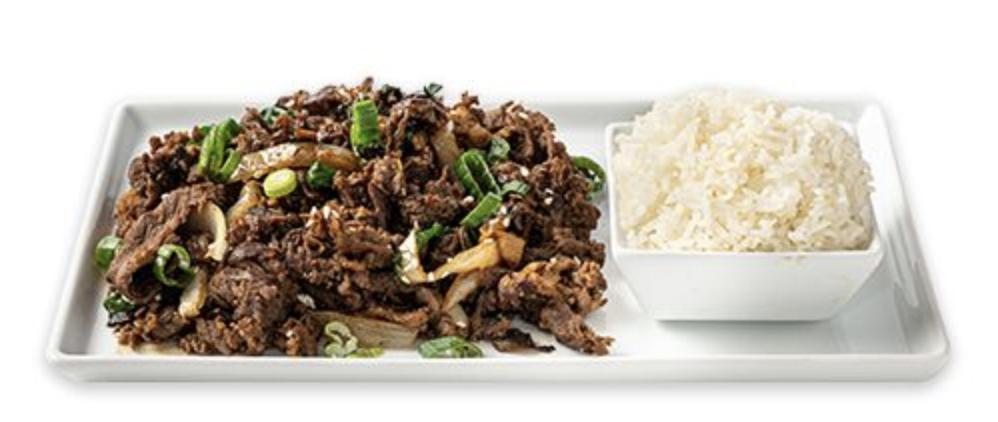
A chicken row, bulgogi row, tofu choice, seafood item, salad protein, or bowl add-on can change protein. Before comparing, make sure the serving and variant match the item you mean. A larger order can show more protein simply because it is larger.
Once the serving is matched, compare protein alongside calories and sodium. A higher-protein item may be a better fit for one visitor and a worse fit for another depending on the surrounding fields. The calculator helps you see those tradeoffs without turning one nutrient into the whole decision.
Build a protein comparison
Select two meal ideas in the calculator and compare protein with calories, sodium, and fat.
Wings and chicken formats
Compare wings, drumsticks, strips, boneless chicken, and combos by their exact source rows.
Carbs and sugar
Watch rice, noodles, buns, breading, sauce, and dessert
Carbohydrates and sugar can come from obvious and less obvious parts of the order.
Rice dishes, noodle soups, japchae, buns, tacos, sandwiches, breading, fries, sauces, glazes, and desserts can all affect carbohydrates. Sugar can appear in sauces, sweet glazes, desserts, and some prepared sides. That means a chicken-heavy order is not automatically low in carbs, and a rice-based order is not automatically the only carb source.
Use the calculator totals to compare the full meal. If you add a side, a dessert, or an extra sauce row where available, watch how carbohydrates and sugar move. This is especially useful when calories look similar but carbs or sugar tell a different story.
Low-calorie planning
A lower-calorie option may still differ in carbs or sugar, so compare both guides together.
Sides and starters
Supporting items often explain why carbs or sugar changed after the main item stayed the same.
Fat fields
Read fat and saturated fat as separate context fields
Fried preparation, sauces, protein choices, and sides can all affect fat fields in different ways.
Total fat and saturated fat are related but not identical. A comparison that checks only calories can miss meaningful differences between chicken formats, fried sides, rice dishes, noodles, and add-on choices. If fat fields matter to your planning, keep them visible while comparing meals.
Do not assume every fried item has the same profile. The source row is the authority for the calculator. If an item is not present in the source-backed dataset, this site leaves it out instead of estimating fat or saturated fat from a similar item.
Nutrition source guide
Review how the source-backed dataset is constructed before relying on row comparisons.
Menu categories
Browse categories when you want to compare fried chicken, Korean traditional items, sides, and salads.
Meal totals
Macros should be compared at the meal level
A single item row is useful, but a real order usually combines several rows.
Build the meal you are actually considering, including sides and shared starters. Then compare protein, calories, carbs, sugar, fat, saturated fat, and sodium. This avoids a common mistake: choosing a main item for one macro target, then adding sides that change the meal in another direction.
For groups, the table total is not the same as a personal macro target. The calculator can show the published source total for all selected rows, but people divide shared food unevenly. Use the group planning article when the order is meant for more than one person.
Family meal planning
Use group totals as planning context, not exact per-person nutrition.
Source and allergen limits
Macro rows are not ingredient or allergen guarantees.
FAQ
Quick answers about this guide
Short answers for visitors using the calculator as a planning reference.
Which Bonchon item has the most protein?
Use the calculator to compare current source-backed rows by exact serving and variant. A largest protein number may also reflect a larger serving.
Are macros enough for dietary planning?
No. Macros are useful context, but medical, allergen, and strict dietary decisions need current official verification and qualified guidance.
Source boundary
Independent guide with dated source references
This article is part of an independent Bonchon calorie calculator site. Nutrition values are planning references from the saved 2026-06 nutrition source and related menu snapshot. Verify current details through official Bonchon sources before ordering, especially for allergens, ingredients, sodium limits, medical diets, prices, and availability.